LED refresh rate for broadcast: why 1,920 Hz isn't always enough
Refresh rate determines whether your LED wall reads cleanly to the camera or shows scan-line banding. Here's how to specify it for broadcast, virtual production and live event use.
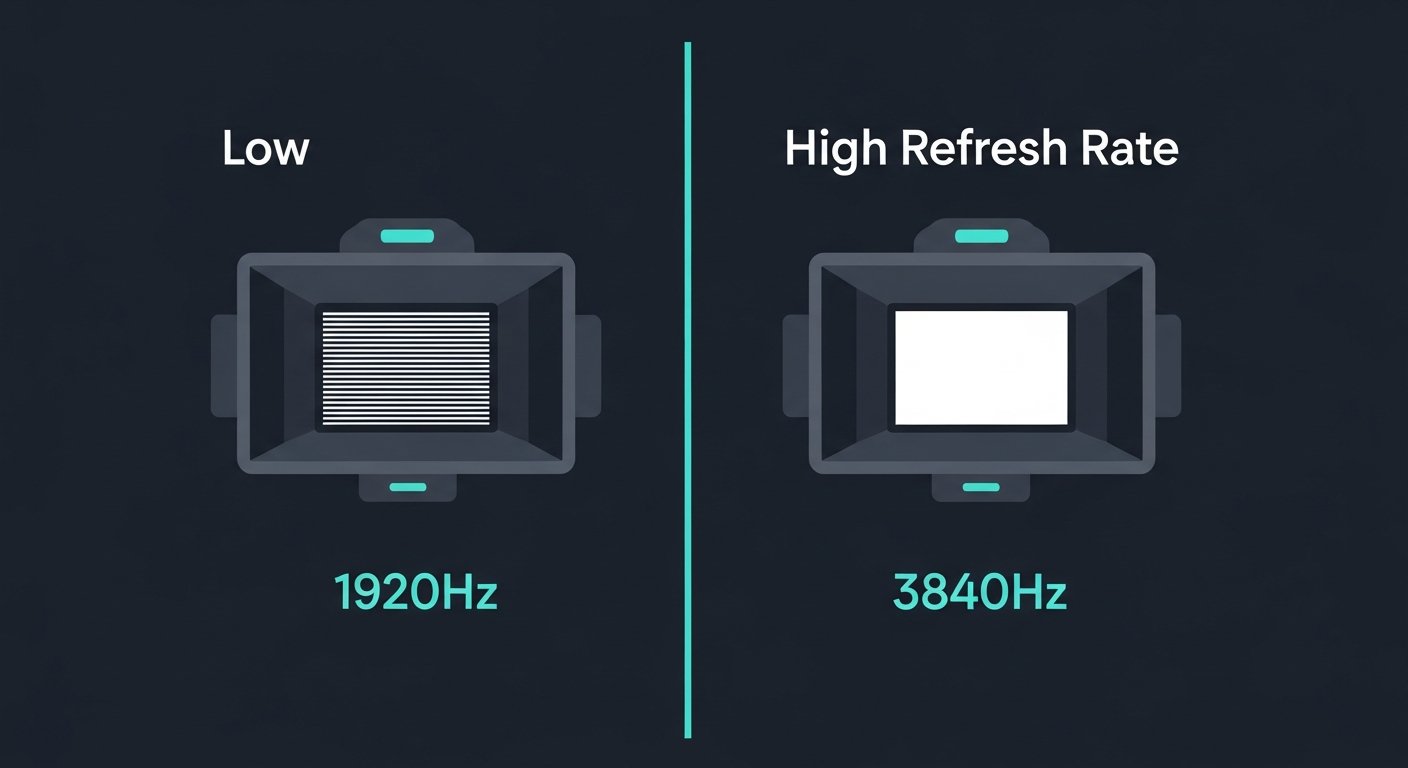
LED refresh rate is the spec broadcast engineers care about and most other buyers ignore. It governs whether your wall reads cleanly on camera or shows the rolling-band artefact that makes broadcast footage look amateur.
If your wall is ever going to appear in the background of a broadcast frame — corporate keynote, news anchor desk, sports presenter, virtual production volume, behind-the-bench — refresh rate is non-optional.
What refresh rate actually means
Two related but distinct numbers:
Visual refresh rate. How often the panel updates its image to the human eye. Anything above 60 Hz is invisible to humans for static content; above 120 Hz is invisible for fast motion.
Scan rate (the spec on the data sheet). How often each LED is electrically refreshed by its driver IC. Each LED is on-off PWM-modulated to produce its colour, and a 1,920 Hz scan means each LED’s brightness is refreshed 1,920 times per second.
These two numbers diverge because of how PWM works: a low scan rate produces a longer “on” pulse per cycle, which a fast camera shutter captures as either a bright slice (shutter opens during ON) or a black slice (shutter opens during OFF). The result is the visible scan-line banding that ruins broadcast footage.
What camera sensors do to your wall
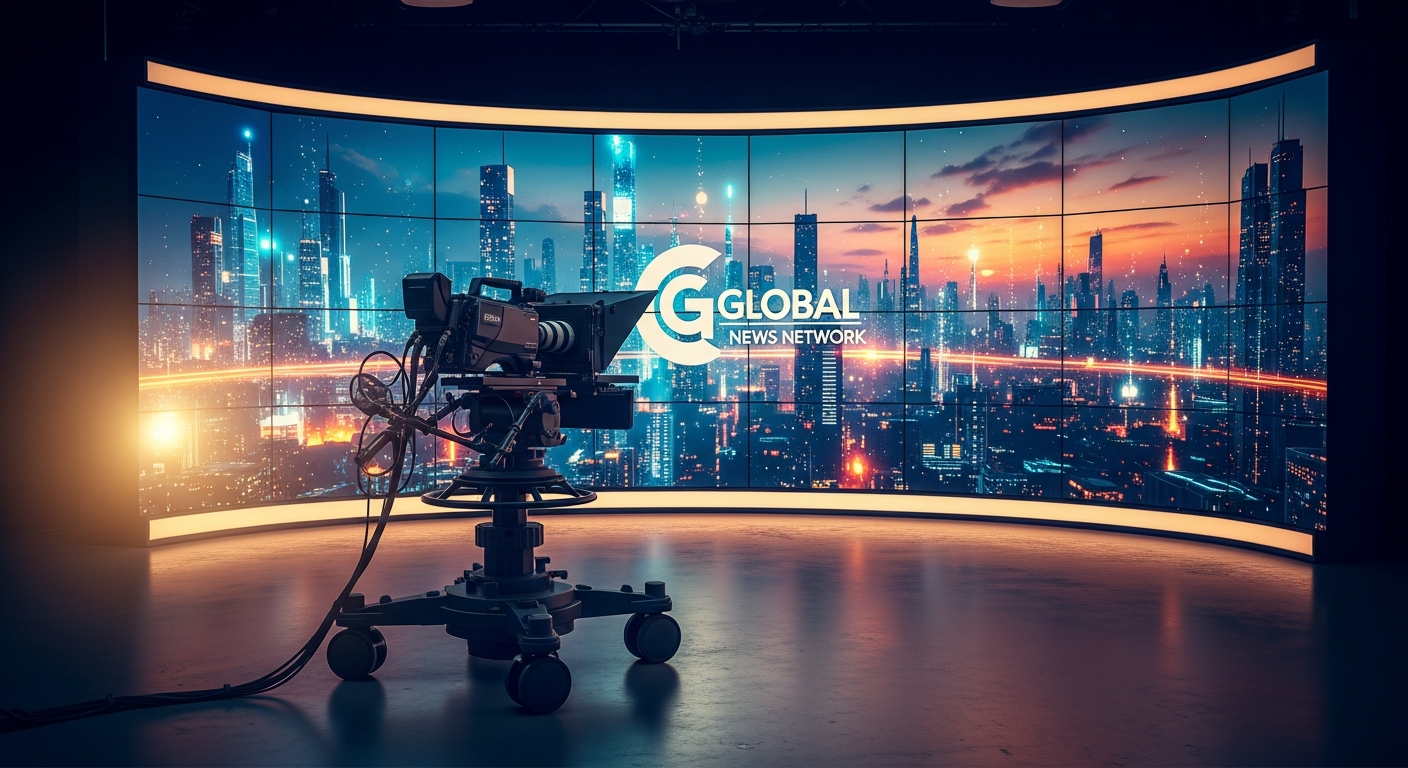
A broadcast camera typically runs at 1/50, 1/60, 1/100 or 1/250 second shutter. A virtual production camera might go faster — 1/500 or 1/1000.
The basic test: scan rate must exceed the camera shutter speed by 4–8× to avoid visible banding.
| Camera shutter | Minimum scan rate | Comfortable scan rate |
|---|---|---|
| 1/50 s (50 Hz) | 400 Hz | 1,920 Hz |
| 1/100 s | 800 Hz | 3,840 Hz |
| 1/250 s | 2,000 Hz | 7,680 Hz |
| 1/500 s | 4,000 Hz | 15,000+ Hz |
| 1/1000 s | 8,000 Hz | 30,000+ Hz |
A broadcast-rated wall used at studio shutters needs minimum 1,920 Hz, and 3,840 Hz is the sweet spot. A virtual production volume used with cinema cameras at 1/500 needs 7,680 Hz minimum and ideally 15,000 Hz+.
The “1,920 Hz refresh” most LED vendors tout as broadcast-spec is actually marginal at typical broadcast shutters and dangerously low for virtual production.
Grayscale and bit depth interact
Driver ICs trade off scan rate against grayscale resolution. A budget driver delivering 3,840 Hz scan rate might only achieve 12-bit grayscale; a premium driver delivers 3,840 Hz at 16-bit.
Lower bit-depth produces visible banding in dark gradient regions — sky transitions, shadow detail in studio backgrounds. For broadcast and virtual production, insist on 14-bit minimum, 16-bit preferred, paired with the high scan rate.
The premium driver ICs that deliver this are made by a small number of vendors — primarily Brompton (in their Tessera processor family) and Megapixel. A cabinet with “1,920 Hz, 8-bit” advertised will visibly band on cameras even at moderate shutter speeds.
Other camera-relevant specs
Refresh rate isn’t the only spec a broadcast wall needs to get right.
Black level. LED walls have weaker black levels than OLED. Premium panels achieve 5,000:1 dynamic contrast and ~0.05 nit black; budget panels show 2,000:1 and dark-grey blacks that look flat on camera.
Genlock and frame sync. The wall must lock its refresh phase to the camera shutter. Brompton Tessera supports SDI genlock natively; cheaper processors do not. Without genlock, even a 7,680 Hz wall can produce intermittent scan banding because the wall and camera drift in and out of phase.
Colour gamut. Rec. 709 minimum for broadcast; Rec. 2020 or DCI-P3 if working in HDR. Many cheaper LED panels claim “wide gamut” but ship with primaries that don’t actually hit the colour-space corners.
Calibration data. Per-LED calibration (each cabinet shipped with its own calibration map) is essential for broadcast. Without it, the wall shows visible cabinet-edge colour seams when shot wide.
What to specify
For a broadcast or virtual-production wall, the minimum spec sheet to demand:
- Pixel pitch: P1.5 or finer (P0.9–P1.2 preferred for VP volumes).
- Scan rate: 3,840 Hz minimum, 7,680 Hz+ preferred.
- Bit depth: 14-bit minimum, 16-bit preferred.
- Processor: Brompton Tessera SX40 / S8 / Megapixel HELIOS — anything less and genlock is fragile.
- Calibration: per-LED, ΔE < 1.5 across the whole wall at handover.
- Black level: 0.1 nit or better.
- Colour gamut: Rec. 709 fully covered; DCI-P3 if HDR.
Aurora’s LUX range ships broadcast-grade configurations with Brompton processing and per-LED calibration as standard. For ordinary corporate signage, that level of spec is overkill — but for any wall that ever goes on camera, it’s the minimum.
Talk to us about your specific broadcast or VP application and we’ll quote against the actual camera package and shutter range.
Ready to move forward?
Got a project to spec?
Send us your venue, wall size and conditions — we'll come back with a tailored configuration and budget price.