Pixel pitch buying guide: how to size LED resolution for your venue
Pixel pitch is the single biggest cost driver in an LED wall — and the easiest spec to over-buy. Here's how to choose the right pitch for your viewing distance, content type and budget.
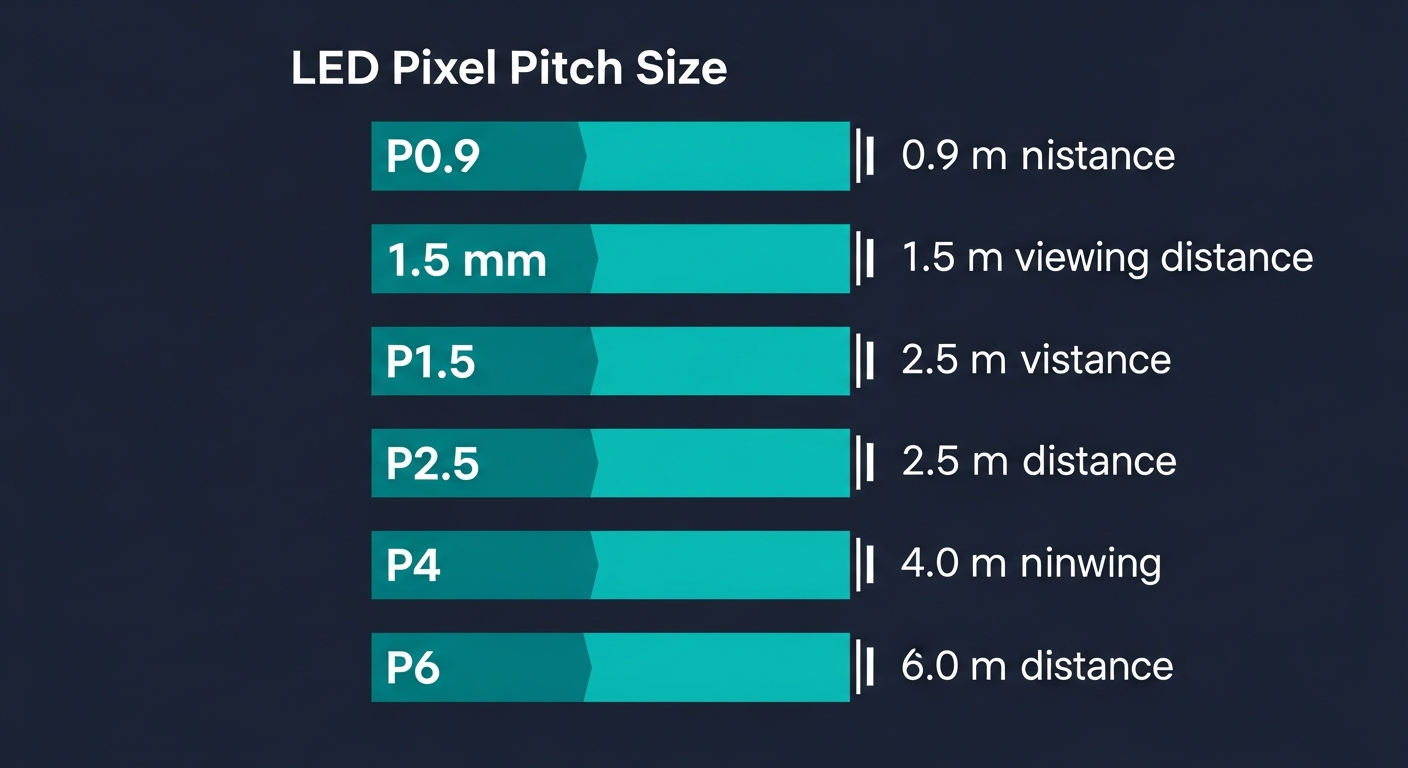
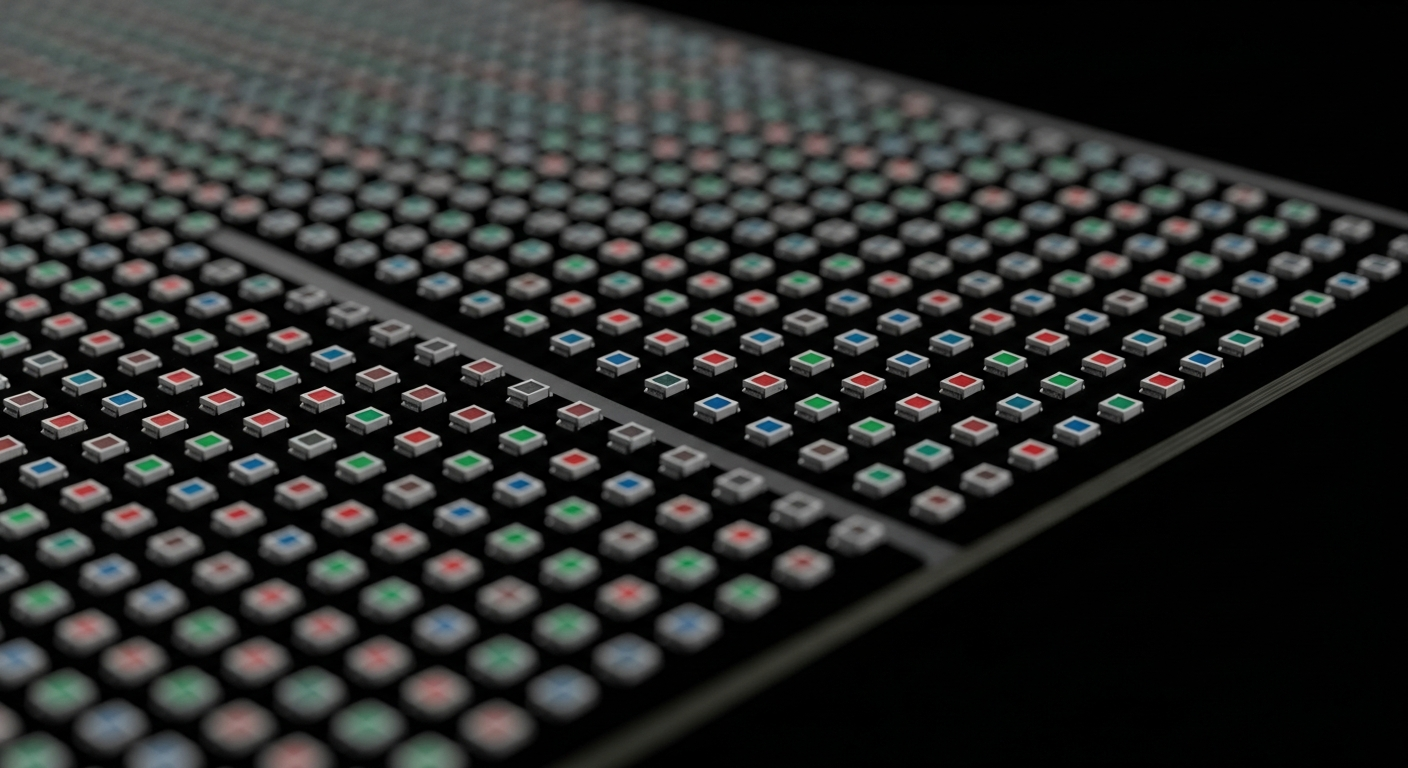
Pixel pitch — the centre-to-centre distance between adjacent LED dots, measured in millimetres — is the spec that has the largest single influence on what an LED wall costs, what it can display, and how close your audience can stand without seeing pixel structure. Halve the pitch and you quadruple the LED count per square metre. Quadruple the LED count and you roughly quadruple the price.
So pitch matters. But the way the AV industry talks about it has trained buyers to over-spec. Here is how we recommend sizing it.
The 50× rule of thumb
The most useful first-pass formula is:
Minimum comfortable viewing distance (m) ≈ pixel pitch (mm) × 50.
This comes from the 1-arc-minute resolving limit of the average human eye at typical screen brightness. Below ≈ 1 arc-minute the eye cannot distinguish individual dots, so you stop perceiving pixels and start perceiving image.
Worked examples:
| Pitch | Min comfortable distance | Typical use |
|---|---|---|
| P0.9 | 0.5 m | Studio close-up, board rooms |
| P1.5 | 0.8 m | Boardrooms, control rooms, retail vitrines |
| P2.5 | 1.3 m | Lobby walls, premium retail, museum |
| P3 | 1.5 m | Corporate signage, mid-distance retail |
| P5 | 2.5 m | Stadium ribbons, large foyer screens |
| P10 | 5.0 m | Stadium scoreboards, perimeter ribbons |
| P16 | 8.0 m | Roadside billboards |
The rule is conservative — many buyers can accept pitch down to ~30× viewing distance for stationary content. But 50× gives you headroom for cinematic motion, fine text and viewers who walk closer than your design distance.
What 50× actually means in three real venues
Boardroom (4 m × 2.5 m wall, viewers seated 3 m back). 3 m ÷ 50 = 0.06 m → P0.9 to P1.5 is the sweet spot. P2 is acceptable for general-business content; P0.9 only pays off if you regularly show 4K reference video at the wall.
Stadium scoreboard (8 m × 4 m, viewers 60–120 m back). 60 m ÷ 50 = 1.2 m → P10 is more than enough; P5 is wasted resolution; P16 starts to look pixelated to the front rows.
CBD pedestrian poster (1 m × 2 m portrait, viewers 1.5–8 m). 1.5 m ÷ 50 = 0.03 m → P3 is the lowest-cost pitch that resolves cleanly to the closest viewers. P2.5 gives no perceptible benefit but costs 30%+ more.
When to break the rule
There are three good reasons to specify finer than 50× viewing distance:
- Broadcast cameras in the shot. Cameras don’t have human eye limits — they see pixels at any distance. Virtual production volumes routinely use P0.9 or P1.5 even at 5 m+ camera distance because the camera will be re-framing close.
- Fine static text or detailed line art. Legibility of small text or technical schematics requires roughly 5–6 pixels of vertical resolution per character. A wall showing real-time stock tickers or air-traffic data may justify a finer pitch than the 50× rule suggests.
- Future-proofing a 10-year asset. Audience expectations of resolution rise over time. If you’re installing a wall that will outlive two refresh cycles of nearby phones and tablets, specifying one step finer is defensible.
There are also three bad reasons we hear regularly:
- “4K content needs P0.9.” No — 4K is about pixel count, not pitch. A 6 m × 3.5 m wall in P2.5 already exceeds 4K resolution.
- “Our brand demands the best.” Pixel pitch is not a luxury signifier the way materials are. Audiences cannot tell P1.5 from P0.9 at normal viewing distances.
- “We might add a front row of seats later.” Then specify a removable front row of finer-pitch panels for that section, not the whole wall.
Pitch interacts with three other specs
Pitch is not chosen in isolation. Three companion specs move with it:
Cabinet size. Most manufacturers offer the same physical cabinet (commonly 500 × 500 mm or 600 × 337.5 mm) in multiple pitches. Finer pitch = more LEDs per cabinet = higher per-cabinet weight and power draw. Plan for 1.4–1.8× the structural and power loading at P1.5 vs P3.
Refresh rate and grayscale. Finer-pitch panels tend to ship with higher-end driver ICs (4096 Hz refresh, 16-bit grayscale) because the up-close scrutiny demands it. If you’re choosing P0.9 for camera-in-shot use, verify the refresh rate matches your camera shutter.
Brightness. Finer pitch = smaller LED dies = lower peak brightness. P0.9 panels typically top out at 600–800 nit; P10 panels routinely hit 8,000 nit. This directly affects whether a wall is daylight-readable.
Where Aurora’s three ranges sit
- LUX (P0.7–P2.5). Premium fine-pitch. Boardrooms, broadcast, premium retail, control rooms. Browse LUX cabinets.
- VSPEC (P1.8–P5). Standard commercial. Foyer walls, corporate signage, mid-distance retail, sports venues. Browse VSPEC.
- GSR (P3–P16). Value tier — weather-rated. Stadiums, billboards, transport, street furniture. Browse GSR.
If you’d like a sanity check on the pitch you’ve been quoted, send us your wall dimensions and viewing distances — we’ll model it against the 50× rule and flag if you’re over- or under-specified. Request a quote or build it yourself in ScreenBuilder.
Ready to move forward?
Got a project to spec?
Send us your venue, wall size and conditions — we'll come back with a tailored configuration and budget price.